Lekhika is a free, open-source writing app for books and long-form projects. It helps you focus on writing, keep your manuscript organised, and produce exports you can share or publish — without locking your work inside the app.
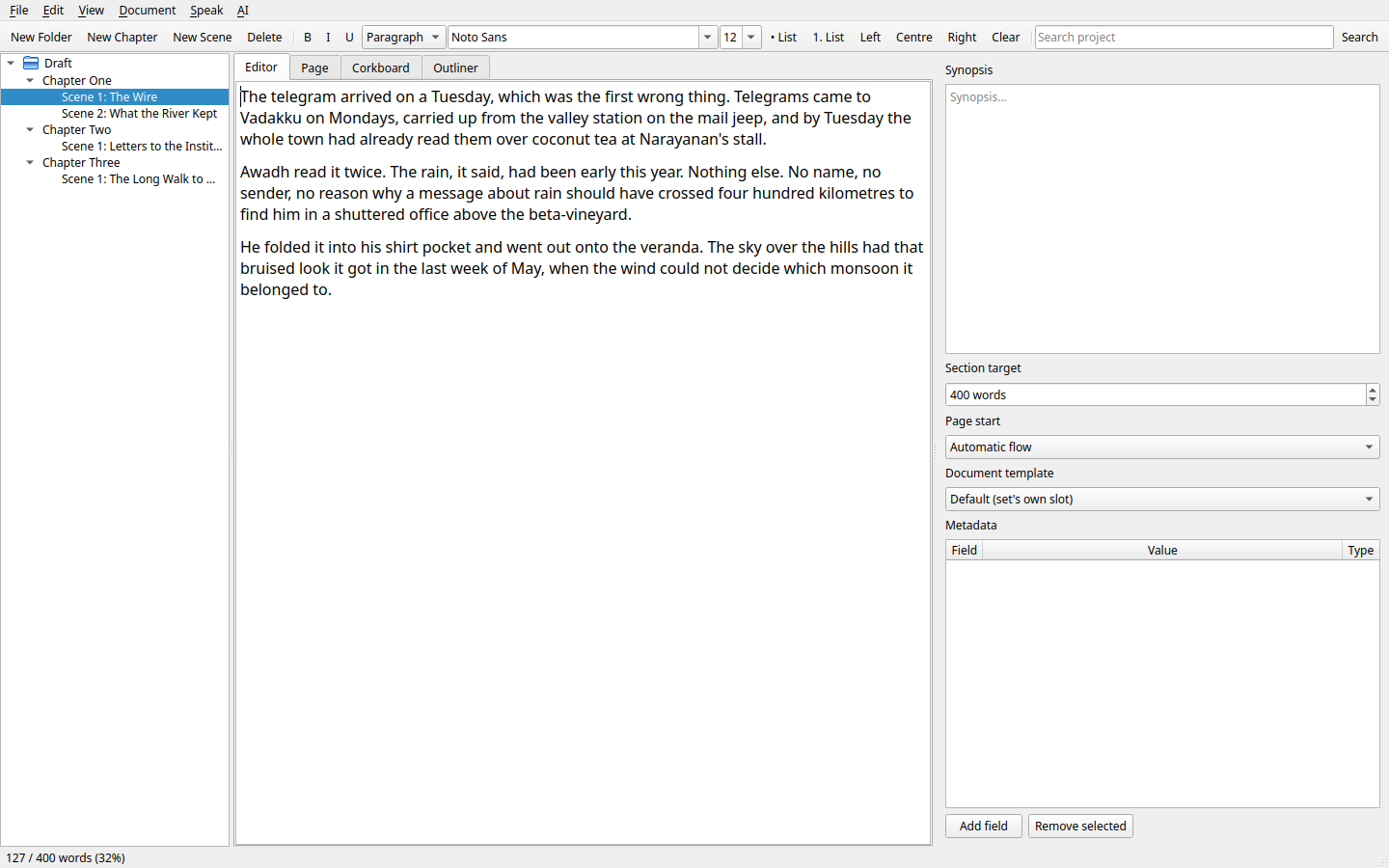
Why writers choose Lekhika
- Free and open source. No account, no subscription, no lock-in.
- Automatic updates (opt-in). Choose how updates are checked and installed in Preferences — or turn checks off entirely.
- Easy exports, highly customisable. Export to DOCX, EPUB, PDF, HTML or plain text with simple defaults, or use templates, page setup and placeholders to control layout and formatting — including exports suitable for uploading to platforms such as Amazon KDP.
- Files as truth. Your project lives as ordinary files and folders on disk, with order and metadata preserved, so your work stays accessible and under your control.
- Better paste for book formatting. Control what formatting is kept when you paste, so bringing text in does not mangle your manuscript.
- Dictionary that includes in-world terms. Spell-check uses your system dictionary plus a project word list, and project scan helps you add names and other project-specific terms in batches, so that you can trust your spell-check.
- Read aloud (TTS). Hear your prose to catch rhythm, clarity and mistakes.
- AI assistance, on your terms. Optional local or hosted AI for continue, proofread and prompt — with output arriving as tracked changes you review, and AI is never allowed to alter your manuscript without your approval. All the ease without the risk.
- Tracked changes and organisation. Review edits, work in chapters/scenes, use the binder, outliner, corkboard, metadata, and word counts/goals to manage your manuscript.
Explore the guide
This page gives the overview. The sections in the binder below are the detailed, task-based guide: Getting started, Write and edit, Organise your book, Templates and export, Bring work in and keep it safe, Optional tools and settings, and Support.
If this is the read-only copy shipped with Lekhika, you can export it or use File → Save Project As… to make your own editable copy.
Get Lekhika
Lekhika is free and open source (GPL). Source code, releases and installation instructions: github.com/Vidyut/lekhika.
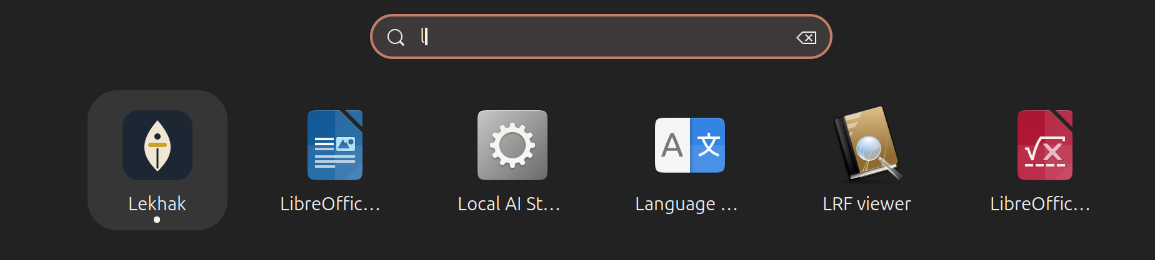
Install (summary): download/clone the repository, create a Python virtual environment and install Lekhika into it, then run the platform launcher script to add it to your applications menu/Start Menu/Dock. See the README on GitHub for step-by-step commands for Linux, macOS and Windows.
Detailed guide
Read the guide in task-based sections: